Notepad++ relies extensively on Win32 API, the 32-bit application programming interface for modern versions of Windows. However, is it possible to download Notepad++ for Mac? This page introduces how to download and install Notepad++ Mac. Besides, you can also learn how to recover data from Mac.
What Is Notepad++?
Notepad++ is free and open-source, first released in 2003 by Don Ho. It’s written in C++ and based on powerful editing component Scintilla. It supports several programming languages and features syntax highlighting, syntax folding, PCRE (Perl Compatible Regular Expression) search/replace, auto-completion, multi-document editing, WYSIWYG printing, zoom in and zoom out, bookmarks, macro recording and playback, and more, which are made code editing easier?
Because of its extensive features, support for 84 languages, and free price, Notepad++ was voted as the most used text editor in the world. It has also won several prestigious awards including the "Best Programming Text Editor for Windows" award from life hacker in 2011 and 2014.
Can Notepad++ run on Mac?
Unfortunately, Notepad++ cannot run on the Mac, although Notepad++ is free and open-source, it is based on Win32 API development only. So it relies extensively on Win32 API, the 32-bit application programming interface for modern versions of Windows. Win32 API consists of many components, including things like file systems, devices, processes, threads, and error handling. It’s also responsible for that instantly recognizable Windows look and feel. In short, without Win32 API, there’s no Notepad++.
Forced to run Notepad++ on Mac
Because of extensively Notepad++ relies on Win32 API, there are two possible ways on how to run it on mac OS: rewrite it so that it doesn’t rely on Win32 API anymore or provide it the necessary API. But Notepad++ is free and open-source, so the motivation is limited. Porting Notepad++ to another operating system would also break the compatibility with most plugins, essentially fragmenting the Notepad++ community. So we should provide it the necessary API on Mac, to run Notepad++ by using virtual machines and emulators.
Install Notepad++ on Mac Using Wine
Wine is a recursive traceback for Wine is not an emulator. What is Wine then? A free and open-source compatibility layer whose goal is to emulate the Windows runtime environment by translating Windows system calls into POSIX-compliant system calls. It also recreates the directory structure of Windows systems and provides alternative implementations of Windows system libraries, services, and other components.
As you can see here, Notepad++ runs well in Wine, especially its earlier versions, which rated Gold and Platinum. Wine's rating system is designed to assist users by giving a rating based on other users' experiences.
To install Wine on macOS, you need macOS 10.8 or higher, and you must set Gatekeeper NOT to block unsigned packages. If you meet these prerequisites, you can continue by following the steps below:
1. Download the installer for Wine Stable from this page.
2. Double-click on the installer.
3. Create the fake C: drive where your Windows applications will be installed by entering 'winecfg'; into the terminal.
4. Download Notepad++ from its official website.
5. Place it in any directory you want.
6. Open the terminal and navigate to the directory with Notepad++.
7. Start the Notepad++ installation .exe file by typing ';wine the-name-of-the-file.exe'; into the terminal.
8. To launch Notepad++ navigate to its folder in the virtual Windows directory and type '; wine the-name-of-the-file.exe'; into the terminal.
Install Notepad++ on Mac Using VMware
The main advantage of running Notepad++ (or any other application) using Wine is that it runs side-by-side with native macOS applications. But due to how Wine works, minor bugs are to be expected. A bug here and there may be acceptable if you use Notepad++ only to occasionally edit a text file, but it can't satisfy for software developers or anyone who wants to use it extensively.
That's where virtualization software solutions such as VMware Fusion come in. With it, you can set up a virtual Windows machine on your Mac computer and use the virtual machine to execute any Windows software you want. The virtual machine can even share the same clipboard with your Mac, allowing you to effortlessly copy and paste text and images to and from Notepad++ across operating systems.
How to Recover Lost Data with Bitwar Data Recovery for Mac?
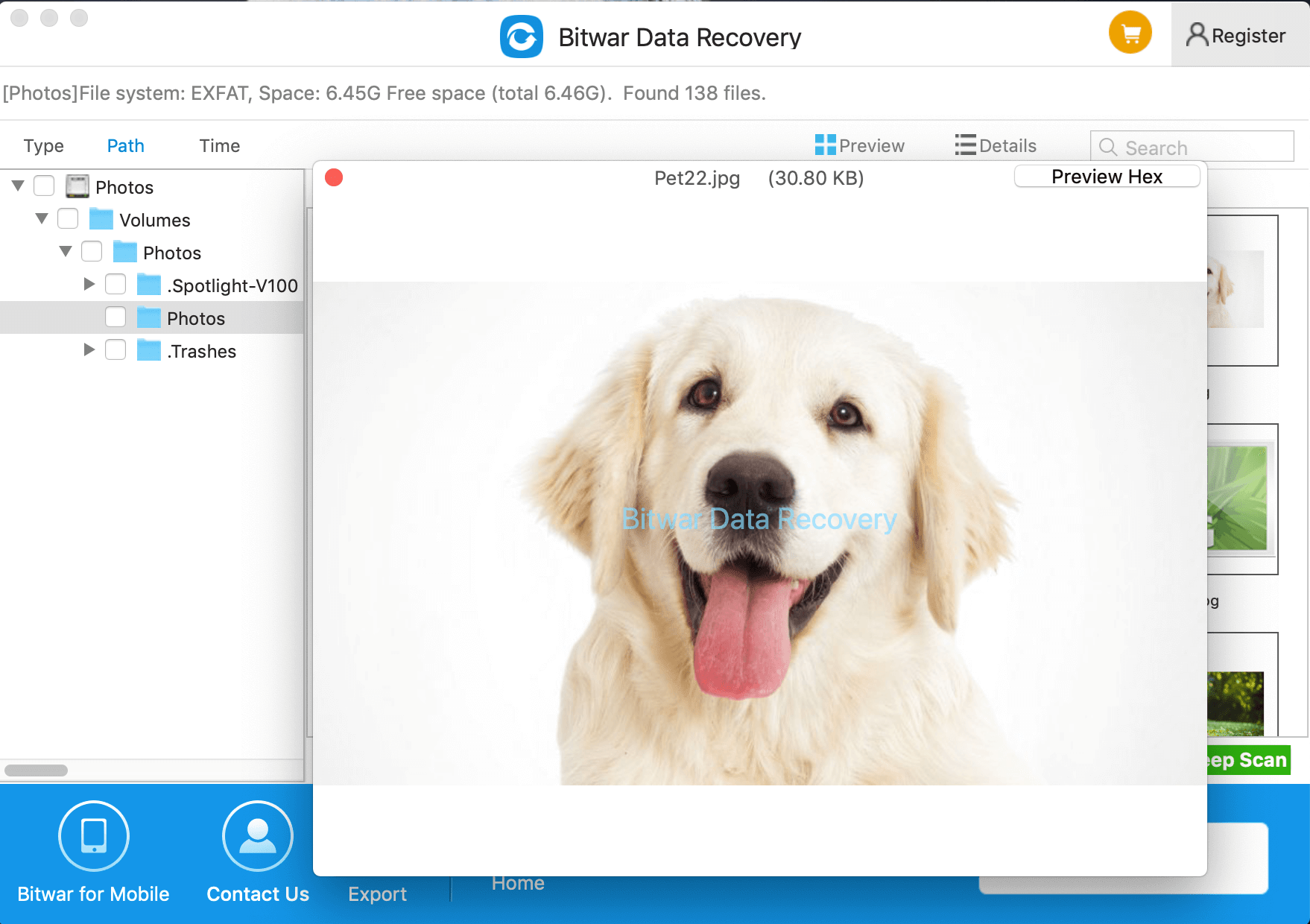
Download and install Bitwar Data Recovery for Mac on this Official website. It is compatible with OS X 10.11 and later. Then follow the guides to recover Notepad++ Mac lost files.
Why not have a try?
- 获取链接
- X
- 电子邮件
- 其他应用
标签:
Download Notepad++ for Mac
Keep Notepad++ File Safe on Mac
Mac Notepad++ Data Recovery
Recover Lost Notepad++ Data on Mac
- 获取链接
- X
- 电子邮件
- 其他应用
评论
发表评论